On hand at the till.
Your saved codes open without a connection. The wallet lives on your phone, not on the network.
 RooPouch
Email address confirmed.
Done — your account is active. Open the RooPouch app on your phone and sign in with your email and password. You can close this page.
Less plastic. More room.
Your favourite shop’s loyalty card, always on hand. Save it to your phone and hold it up at the till — no internet needed.
How does it work?Out now on Android and iPhone
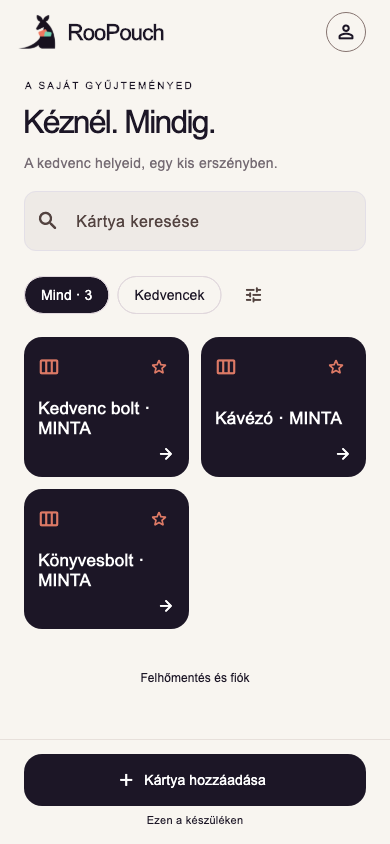
Your saved codes open without a connection. The wallet lives on your phone, not on the network.
Find a card fast, mark it a favourite, or arrange the wallet around your own habits — even by where the shop is.
The barcode or QR code fills the screen, large, exactly when you need it.
From plastic to phone
No sign-up required. You only need an account if you want a cloud backup.
On the list? Tap it. Not there? Give it a name — takes two seconds.
Hold the camera to the card, or type the number. You needn’t know the code type.
One tap at the till and the code fills the screen, nice and big.
Privacy
RooPouch 1.0
RooPouch is out on Google Play and the App Store.
Free, no ads. No account needed.